 Stay Up
 Datacircle
 Levo
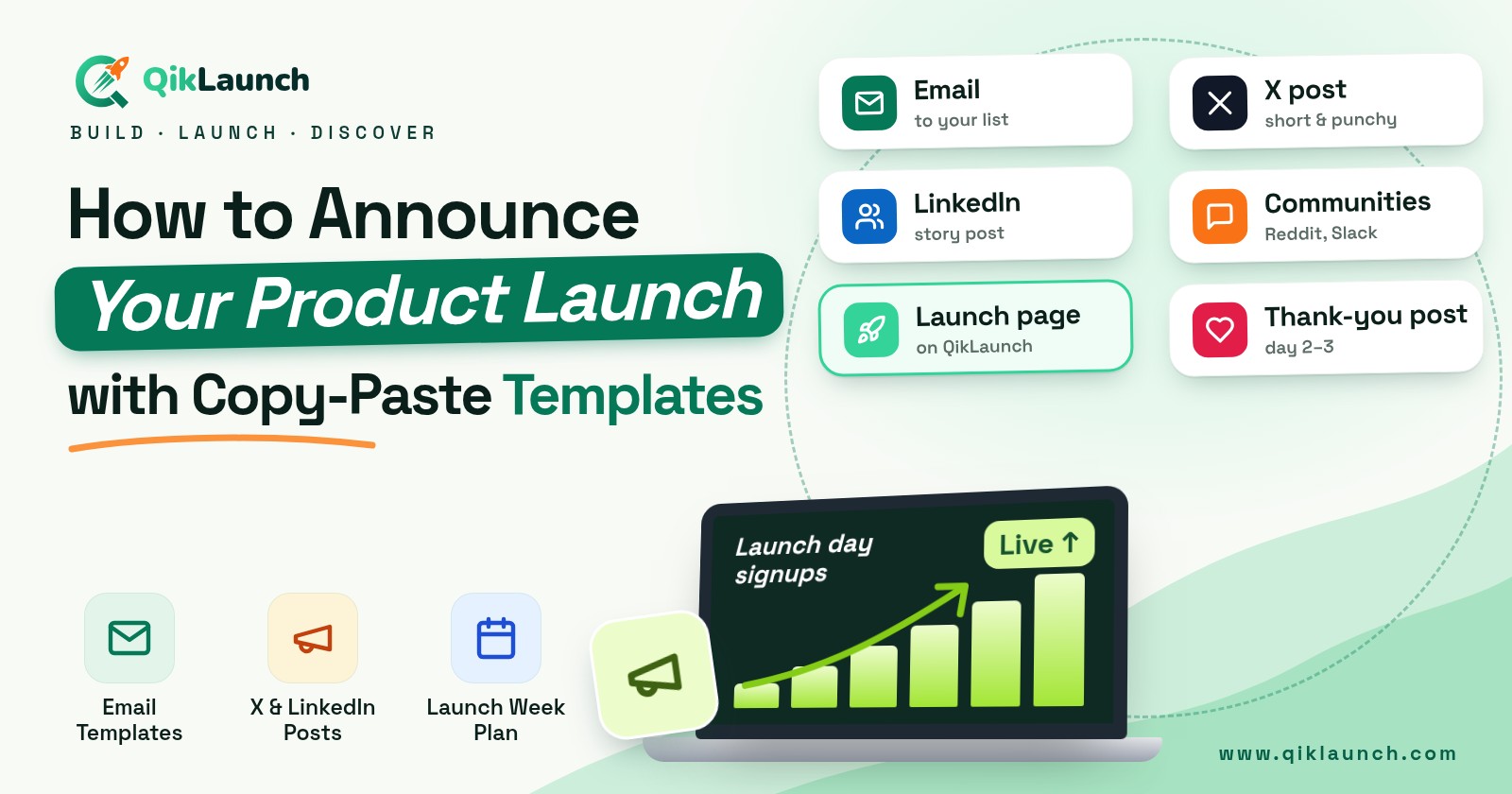
You spent months building. Launch day arrives, you post "We just launched! 🚀 Check it out" with a link, and… a few likes from friends. That's it.
The product isn't the problem. The announcement is. "We launched" is news for you, not for the reader. People click when an announcement answers one question fast: what's in it for me?
This guide gives you a simple structure for any launch announcement, then copy-paste templates for email, X, LinkedIn and communities. I'll use one made-up example throughout: Shiftly, a scheduling app for small coffee shops. It's an example to show the wording, not a real product.
Key takeaways
- Lead with the problem you solve, not with "we launched".
- One announcement, one clear action: try it, reply, or vote. Never all three.
- Write a different version for each channel. Email is personal, X is short, LinkedIn tells a story.
- Plan the week, not just the day: a launch post, a thank-you post and a "what we learned" post.
- Tag every link so you know which announcement brought real users.
The 5-part structure behind every good announcement
Whatever the channel, a launch announcement that works has the same five parts:
- The hook: the problem. Start with the pain your reader recognises. "Making the weekly staff rota takes coffee shop owners 3 hours every Sunday."
- What you built, in one sentence. No feature list yet. "Shiftly builds the rota in 5 minutes from your staff's availability."
- Proof it's real. A screenshot, a 20-second demo, or one honest early result. If you have no results yet, show the product working.
- Who it's for. Narrow is better. "For independent cafés with 3 to 20 staff." The right people lean in, and the wrong ones scroll past, which is fine.
- One clear action. "Try it free", "Reply and I'll set it up for you" or "Vote for us today". Pick one.
If your announcement misses one of these, it's usually the hook or the action.
Before you announce: 3 things to prepare
1. A launch page that does the selling. Your announcement only has to earn the click. The page has to convert it. Make sure it loads fast, says what the product does above the fold, and has one obvious button.
2. A short demo. A 20–40 second screen recording beats any paragraph. Record it once and reuse it everywhere: email GIF, X video, LinkedIn native video.
3. Tracked links. Add a UTM tag to every link (for example ?utm_source=linkedin&utm_campaign=launch). A week later you'll know which channel brought users instead of guessing.
Template 1: Email to your list (or friends and early testers)
Email is your warmest channel. Write it like a note to one person, not a press release.
Subject: It's live: [Product] ([one-line benefit])
Hi [First name],
You might remember I've been building [Product]. Today it's live.
The short version: [Product] helps [who] [do what] without [pain]. For example, [one concrete before/after].
Here's a 30-second demo: [link]
I'd love your help with one thing: [try it / reply with feedback / vote for us on launch day].
[Link]
And if you know someone who [has the problem], forwarding this is the biggest favour you could do me.
Thanks for being here from the start, [Your name]
Why it works: it's personal, it shows the product working, and it asks for exactly one thing. The forwarding line turns readers into a tiny distribution channel.
Template 2: X (Twitter) launch post
On X you have about two lines to stop the scroll. Lead with the problem, add a visual and put the link at the end (or in the first reply).
[Problem in one punchy line].
So I built [Product]: [what it does in under 10 words].
→ [benefit 1] → [benefit 2] → [benefit 3]
Live today 👇 [link]
Example:
Coffee shop owners lose their Sunday to the staff rota.
So I built Shiftly: rotas in 5 minutes, not 3 hours.
→ Staff add their own availability → One click builds the week → Swaps happen in the app, not the group chat
Live today 👇
Attach the demo video. Native video usually gets more reach than a bare link. Then stay online for the first hour and reply to every comment.
Template 3: LinkedIn launch post
LinkedIn rewards a short story. Open with a moment, explain why you built it, then show what it does.
[A specific moment that shows the problem.]
That's why I built [Product].
[One sentence on what it does.]
Here's what it does today: ✅ [benefit 1] ✅ [benefit 2] ✅ [benefit 3]
It's built for [narrow audience]. If that's you, or you know someone it would help, I'd really value your feedback.
Try it here 👉 [link]
Tips: keep the first two lines strong, because that's all people see before "…more". Post from your personal profile, not just a company page, and tag no more than a few people who genuinely helped.
Template 4: Communities (Reddit, Slack, Discord, forums)
Communities hate drive-by promotion. Read the rules, contribute first, and frame your post as sharing and asking, not selling.
Title: I built [Product] to fix [problem]. Looking for honest feedback
I [your role] and kept running into [problem]. Existing tools [why they didn't work for you].
So I built [Product]. It [what it does]. It's free to try: [link]
I'd love feedback on:
- [specific question]
- [specific question]
Happy to answer anything in the comments.
Why it works: specific questions get real answers, and real answers lead to real users. A generic "thoughts?" gets silence.
Template 5: The launch platform post
When you launch on a platform like QikLaunch, your listing is the announcement. Treat it the same way:
- Tagline: the benefit, not the category. "Rotas in 5 minutes for coffee shops" beats "AI-powered scheduling platform".
- Description: problem → solution → who it's for → what makes it different.
- First comment: say hi as the maker, tell the story in three sentences and ask one question. Comments make your launch page feel alive.
- Screenshots: show the product doing its main job, with one sentence of text per image.
Then share your launch page link in your email, X and LinkedIn posts so votes and comments come from your own audience too.
Plan the whole launch week, not just one post
One post is one shot. Three posts tell a story:
| Day | Post | Goal |
|---|---|---|
| Launch day | The announcement (templates above) | Clicks and first users |
| Day 2–3 | Thank-you post with one real number or quote ("first 40 signups, here's what they asked for") | Social proof and a second wave |
| Day 6–7 | What we learned + what's next | Followers who'll see your next update |
Only share numbers you actually have. "12 signups and 3 paying customers" is more convincing than a vague "huge response".
Common mistakes to avoid
- Starting with "We're excited to announce…" Nobody shares your excitement yet. Start with their problem.
- A wall of features. Three benefits beat twelve features.
- Five calls to action. "Follow us, vote, sign up, share and join our Discord" means none of them happen.
- The same text everywhere. Copy-pasting the LinkedIn story to X looks lazy on both.
- Posting and disappearing. The first hour of replies matters more than the post itself.
- No tracking. Without tagged links you can't repeat what worked.
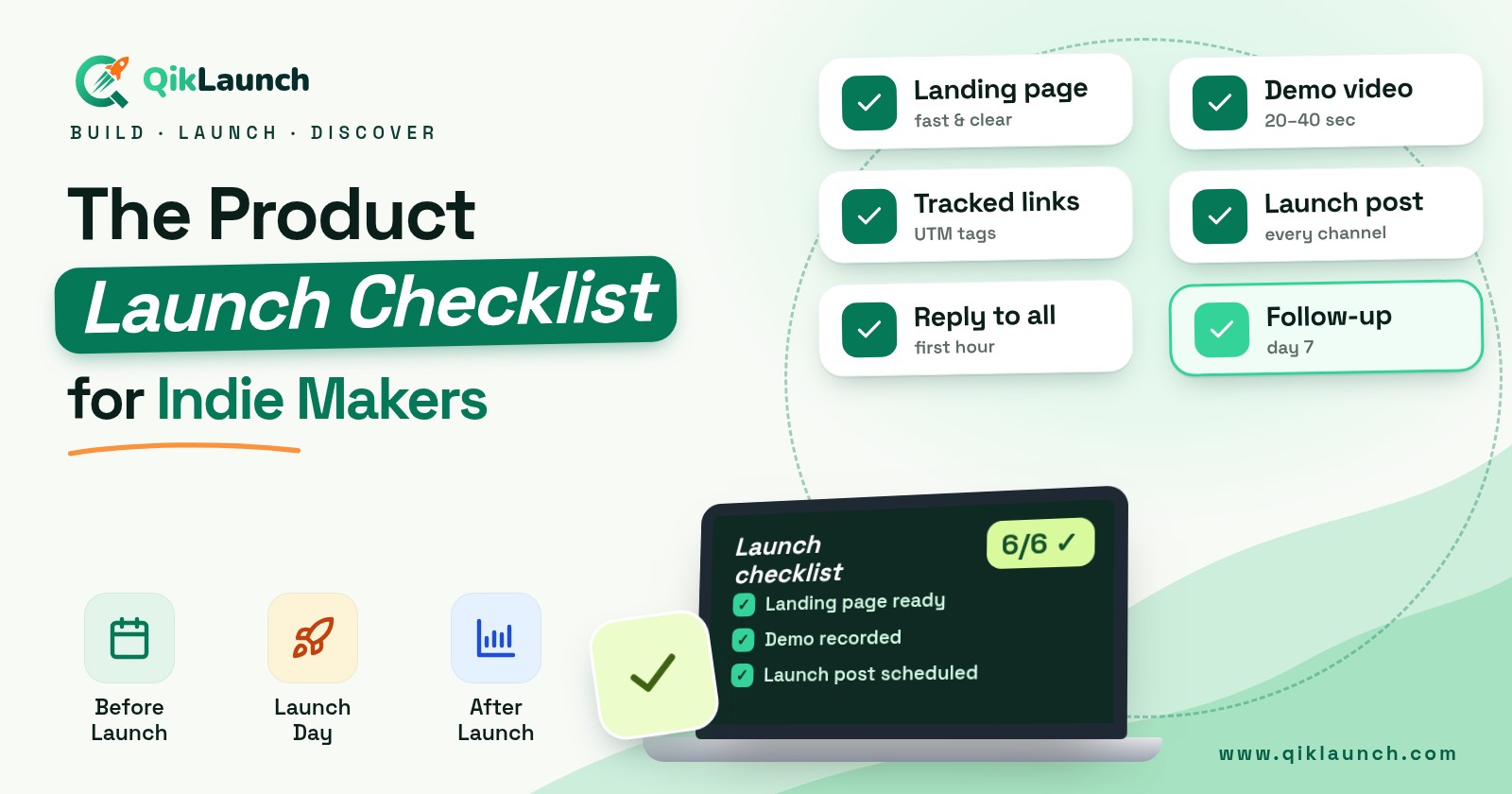
Your launch announcement checklist
- Hook that names the reader's problem
- One-sentence description of what you built
- A demo video or clear screenshot
- A narrow "who it's for"
- One call to action
- Tracked links per channel
- A version written for each channel
- Time blocked to reply for the first hour
- Thank-you post and "what we learned" post planned
Launch where people are looking for new products
A good announcement brings your own audience. A launch platform brings new people who are actively looking for tools like yours.
On QikLaunch, every launch gets a permanent product page, real community votes and weekly stats on the visitors we send you. New launch weeks go live every Monday. Use the templates above for your listing, then share your QikLaunch page with your audience.
Ready to announce yours? Launch your product on QikLaunch →
0 comments
Have something to add? Log in to join the conversation.
Log in to commentNo comments yet
If you have launched somewhere and it went differently, say so.